

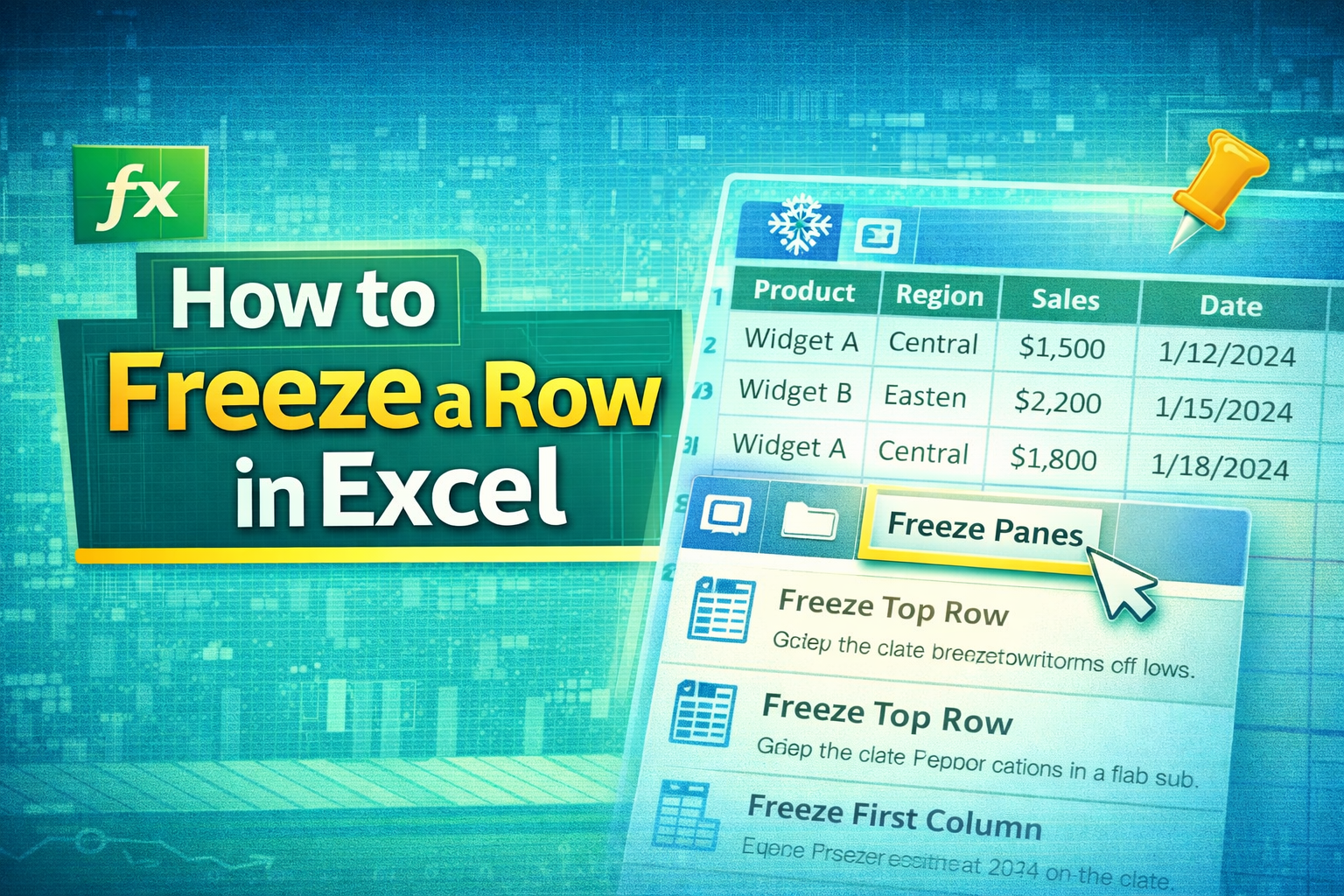
🔍 What Does Freezing a Row Mean?
If you’re learning how to freeze a row in excel, you’re unlocking a simple but powerful feature.
Freezing a row means keeping it visible at the top of your worksheet while you scroll down through data.
💡 Why It’s Important
- Keeps headers visible
- Improves navigation
- Helps analyze large datasets
- Saves time
📊 Types of Freeze Options in Excel
📌 Freeze Top Row
- Locks only the first row
- Most commonly used
📌 Freeze Multiple Rows
- Locks more than one row
- Useful for complex headers
📌 Freeze Panes
- Custom freezing (rows + columns)
🪜 Step-by-Step Guide: How to Freeze a Row in Excel
📌 Step 1: Open Your Excel Sheet
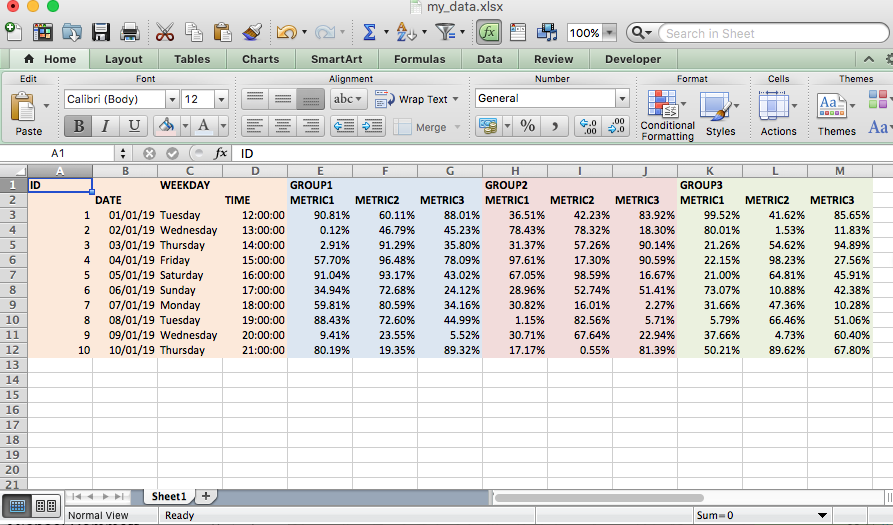

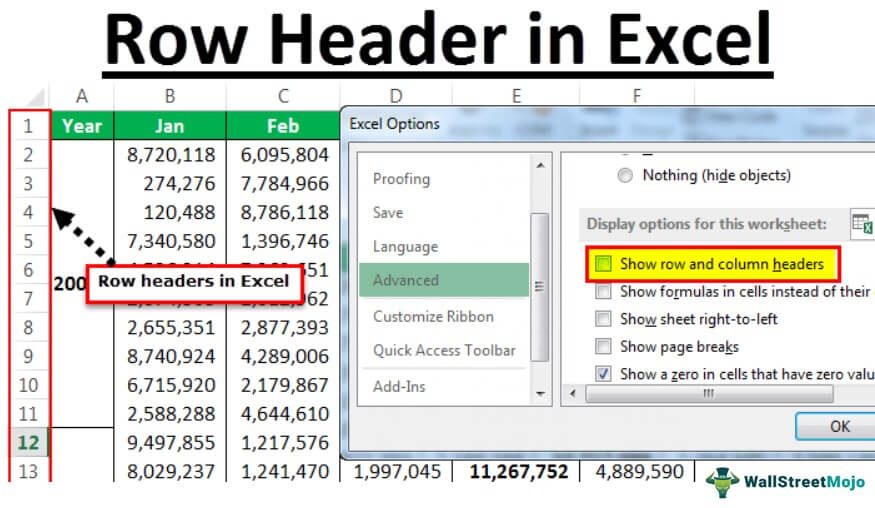
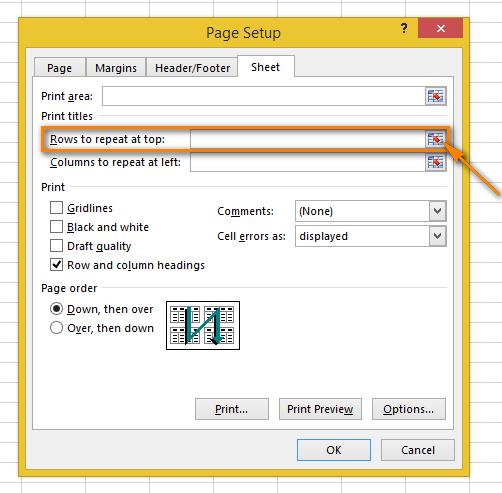
Open your Excel file with data.
📌 Step 2: Select the Row
- Click the row below the one you want to freeze
👉 Example: To freeze row 1, select row 2
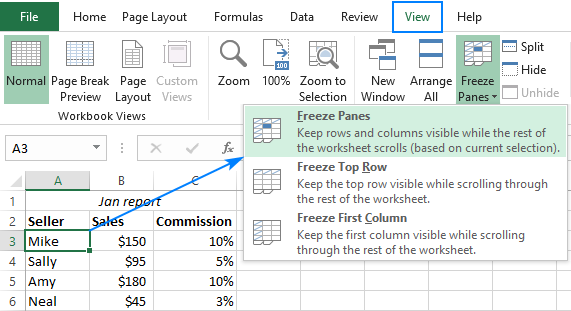
📌 Step 3: Go to View Tab
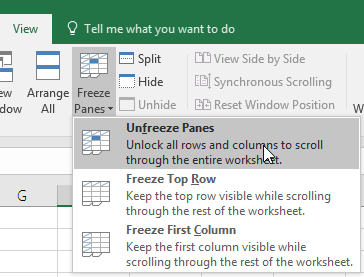
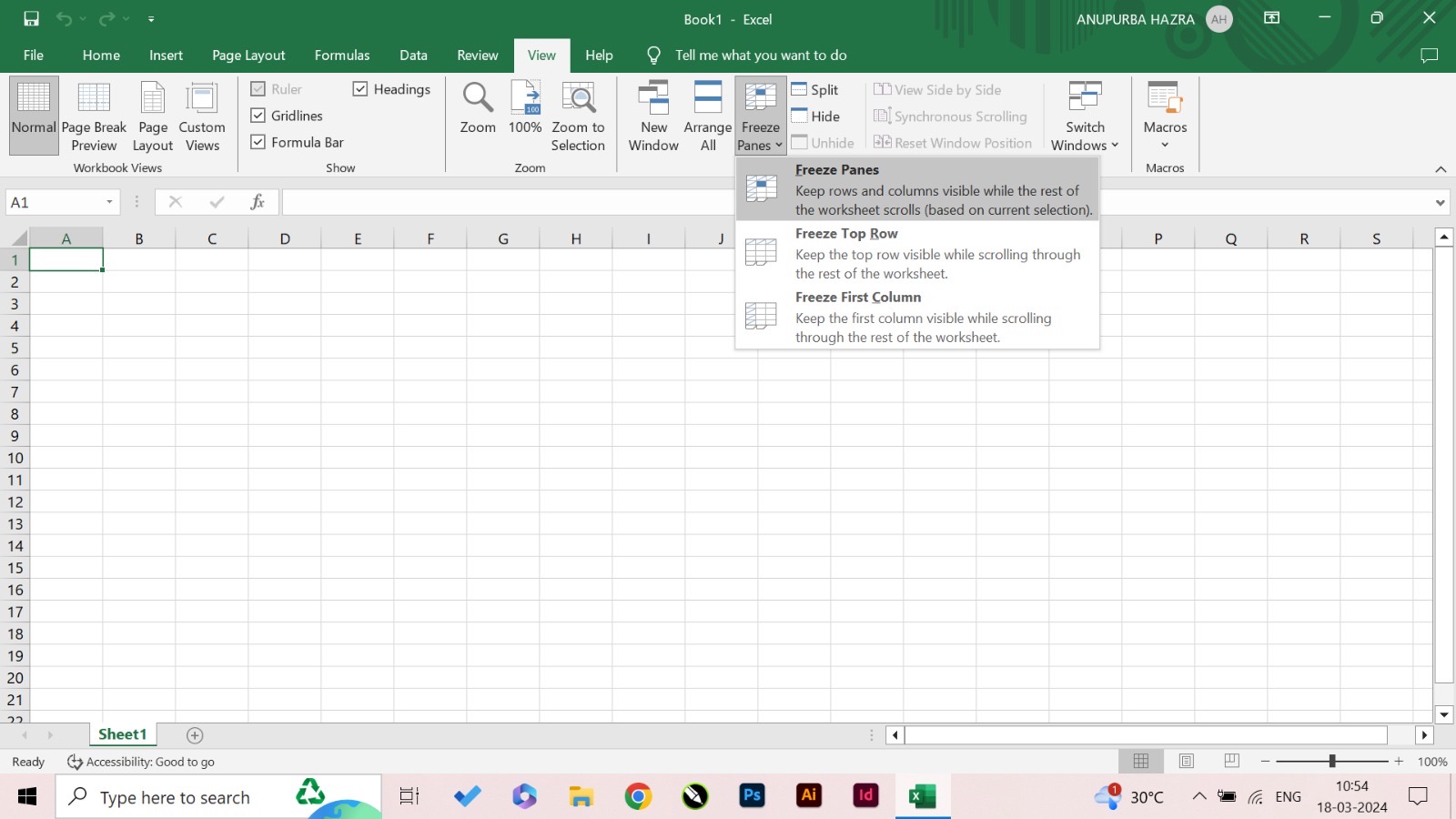
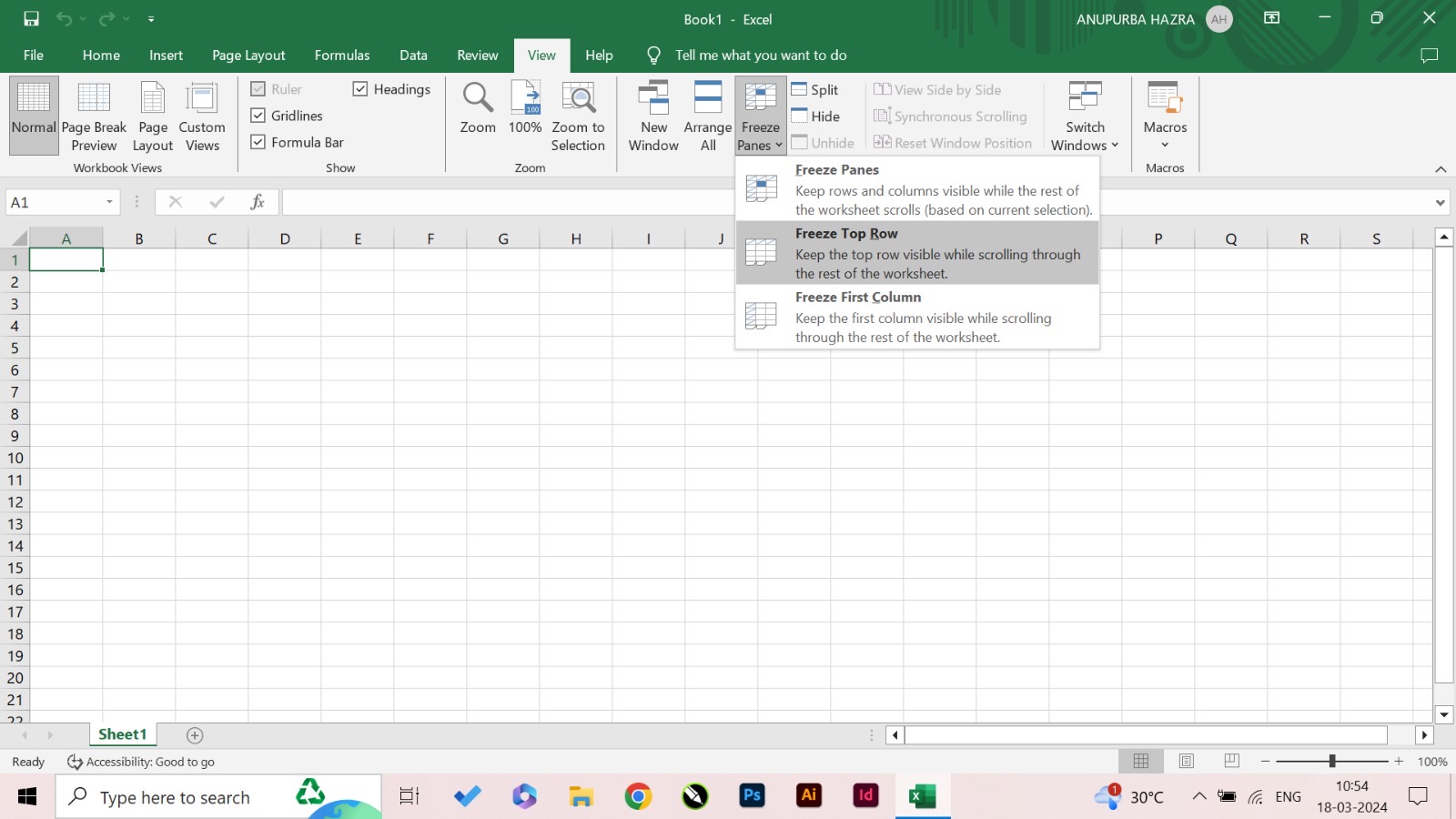
Navigate to:
👉 View → Freeze Panes
📌 Step 4: Click Freeze Panes
A dropdown menu will appear.
📌 Step 5: Choose Freeze Option
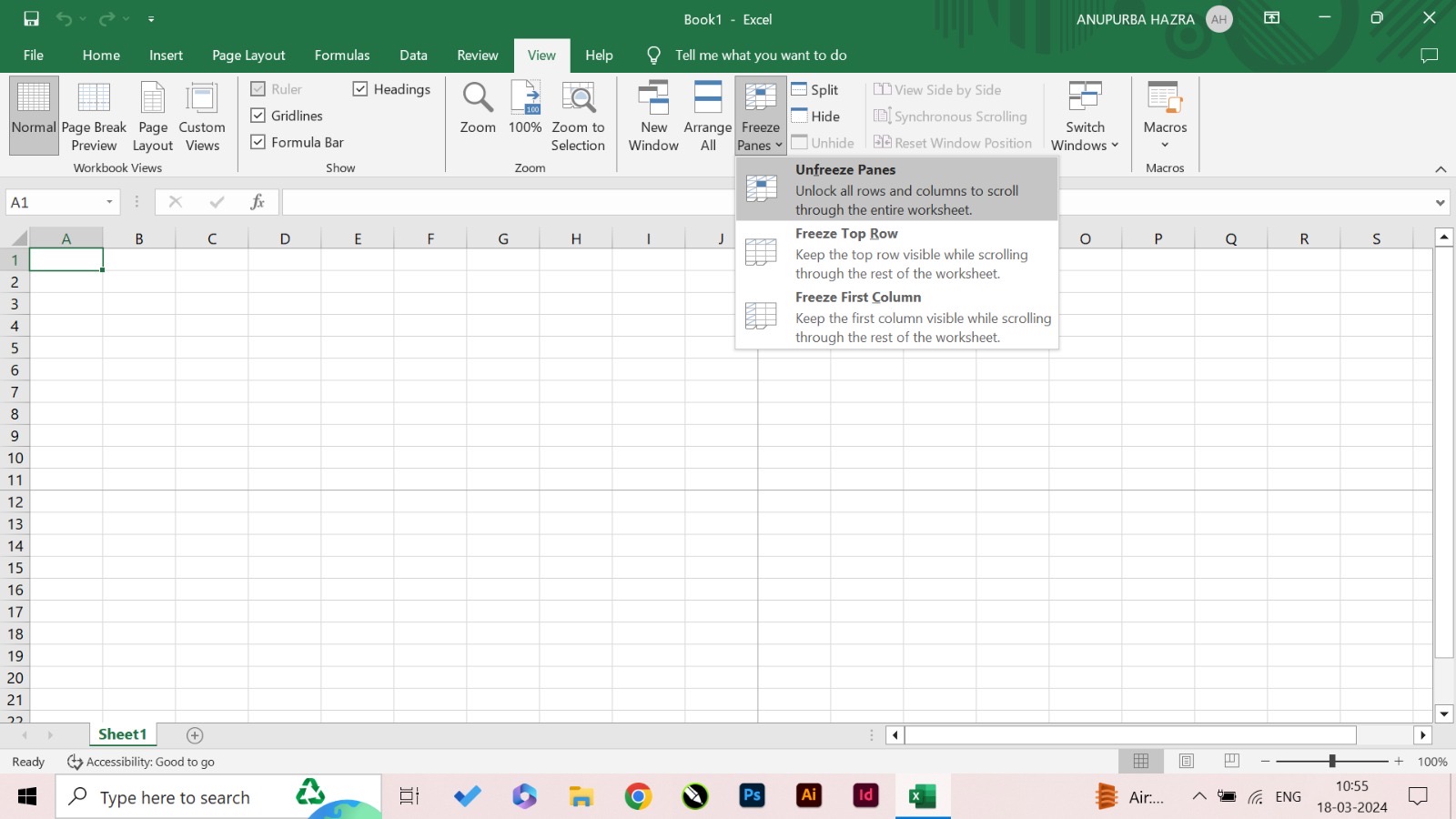
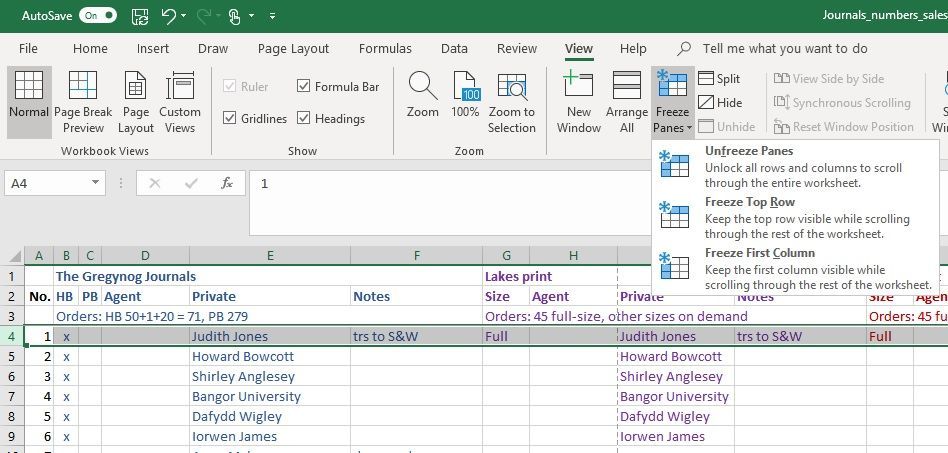
Select:
- Freeze Top Row OR
- Freeze Panes
📷 Practical Examples with Screenshots
📊 Freeze Top Row Example
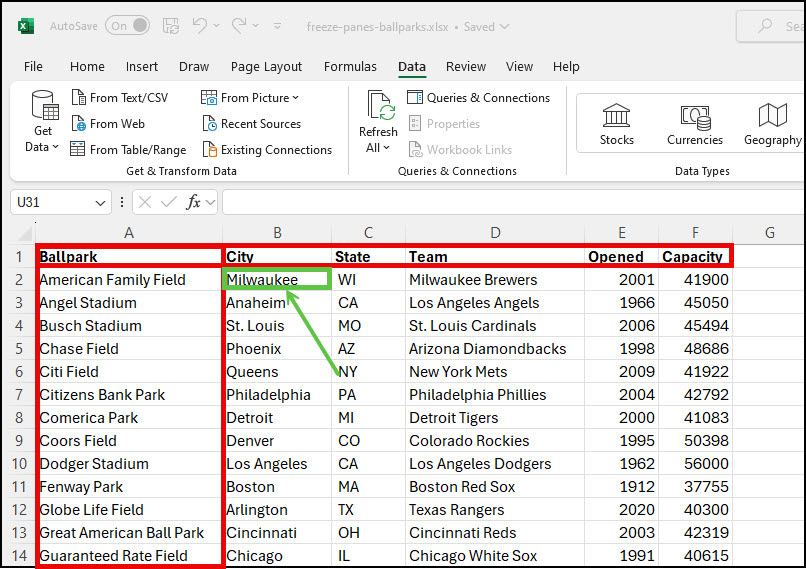
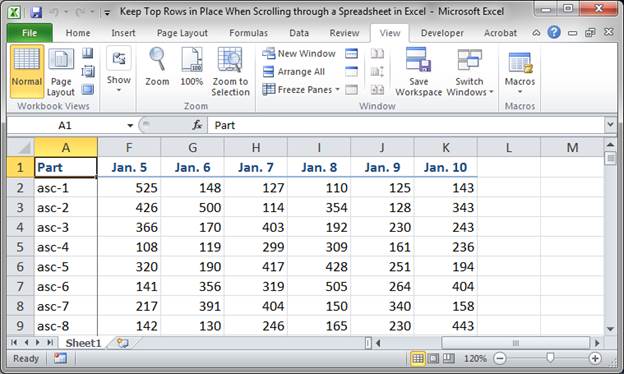


👉 Row 1 remains visible while scrolling.
📊 Freeze Multiple Rows Example
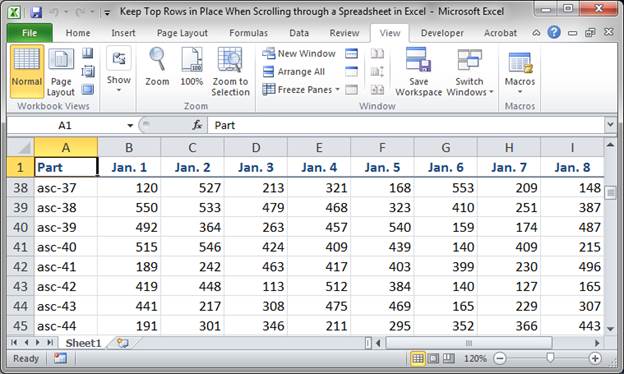
👉 Multiple rows stay fixed.
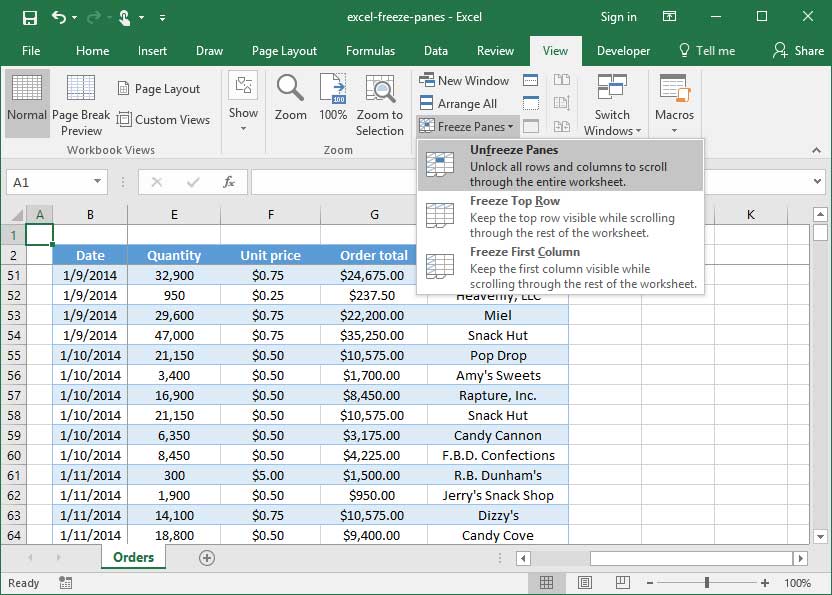
🔓 How to Unfreeze Rows
📌 Steps to Remove Freeze
- Go to View → Freeze Panes
- Click Unfreeze Panes
⚠️ Common Mistakes and Fixes
❌ Freeze Not Working
- Sheet might be protected
- Wrong selection
📉 Wrong Row Selected
- Always select row below target
🎯 Tips for Better Excel Navigation
✅ Best Practices
- Always freeze header row
- Use freeze panes for reports
🚀 Productivity Tips
- Combine with filters
- Use tables for better structure
❓ FAQs
1. How do I freeze the top row in Excel?
Go to View → Freeze Panes → Freeze Top Row.
2. Can I freeze multiple rows?
Yes, using Freeze Panes.
3. Why is freeze panes not working?
You may have selected the wrong row.
4. How do I unfreeze rows?
Click Unfreeze Panes.
5. Can I freeze rows and columns together?
Yes, using Freeze Panes.
6. Is this feature available in all Excel versions?
Yes, in most versions.
🏁 Conclusion
Now you fully understand how to freeze a row in excel using simple steps and visual examples. This feature is essential for working with large datasets and improving productivity.
Start using it today and make your Excel experience smoother and more efficient.
